Skip to product information
Robotic Arm Kit 4.0 - Fabri Creator
1/2

Robotic Arm Kit 4.0 - Fabri Creator

Sale price  $69.00 Regular price  $99.00
6 Servomotors included
3× MG995 · 3× SG90S · All with metal gears
Easy to assemble
Simple soldering · Wiring diagram included
Free worldwide shipping
To any country, no extra cost
Everything included
Components · STLs · Code · App
Warranty included
Manufacturer + Creator Store
Electrical components
5 items
3 × Servo MG995 180° metal gears
3 × Servo SG90S 180° metal gears
1 × Arduino UNO
1 × HC-06 — Bluetooth module
1 × 5V 5A power adapter
Accessories & connectors
5 items
1 × DC Jack port threaded
1 × Power cable (100 cm)
1 × Servo extension 10 cm
2 × Servo extension 30 cm
1 × Servo extension 50 cm
Included tools
2 items
1 × M2 Allen key
1 × M3 Allen key
Hardware & fasteners
4 items
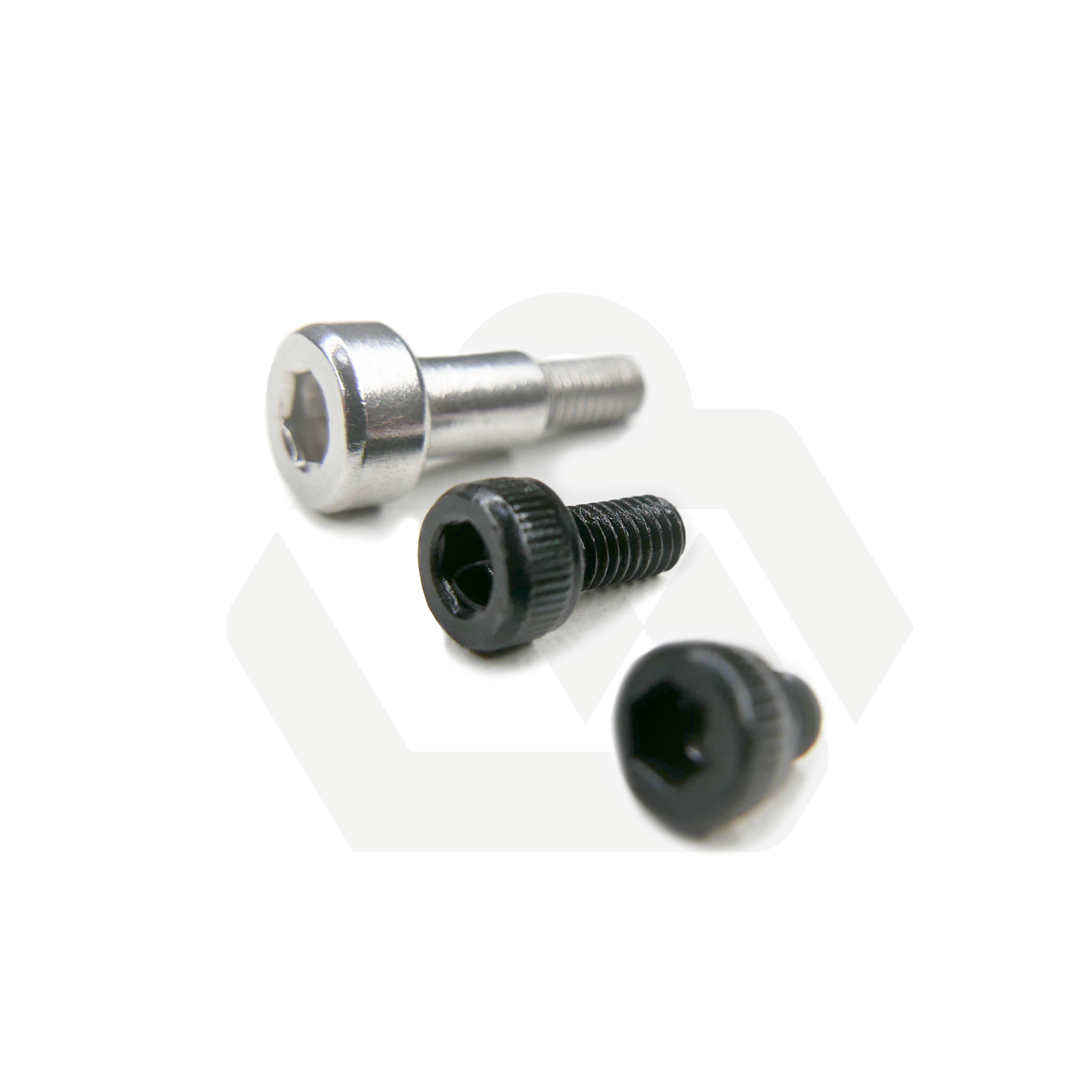
15 × M4×12 mm screw
8 × Screw 7379-4-M3-6
5 × M3 3mm screw
5 × M3 6mm screw
Included digital files
3 items

Complete library of STL files to 3D print all parts, Arduino code ready to upload, and the ROBOTIC ARM CONTROL FABRI Creator app compatible with Windows and Linux.

STL Files
Arm, forearm, gripper, rotating base, and auxiliary parts
Arduino Code
BrazoRobotico4.0.ino — ready to upload with Arduino IDE
Control App
Windows · Linux
Ideal for
Makers and robotics enthusiasts with a 3D printer
Engineering, electronics, and STEM students
Schools, academies, and maker labs
Anyone who wants all components ready without sourcing them separately
Arduino code preview
Arduino C++
#include <Servo.h>

Servo servo_0;
Servo servo_1;
Servo servo_2;
Servo servo_3;
Servo servo_4;
Servo servo_5;

void setup() {
  Serial.begin(9600);
  servo_0.attach(2);
  servo_1.attach(3);
  servo_2.attach(4);
  servo_3.attach(5);
  servo_4.attach(6);
  servo_5.attach(7);
}

void loop() {
  if (Serial.available() > 0) {
    String input = Serial.readStringUntil('\n');
    int servoIndex = input.substring(0, 1).toInt();
    int servoValue = input.substring(2).toInt();
    switch (servoIndex) {
      case 1: servo_0.write(servoValue); break;
      case 2: servo_1.write(servoValue); break;
      case 3: servo_2.write(servoValue); break;
      case 4: servo_3.write(servoValue); break;
      case 5: servo_4.write(servoValue); break;
      case 6: servo_5.write(servoValue); break;
      default: break;
    }
  }
}
Included extra
Bluetooth
Control it from your phone via Bluetooth
The kit includes the HC-06 module, which lets you control the arm wirelessly from your phone. If you want to use it, you can follow this tutorial as a guide to set up the connection and the control app.
Watch Bluetooth tutorial →

You may also like